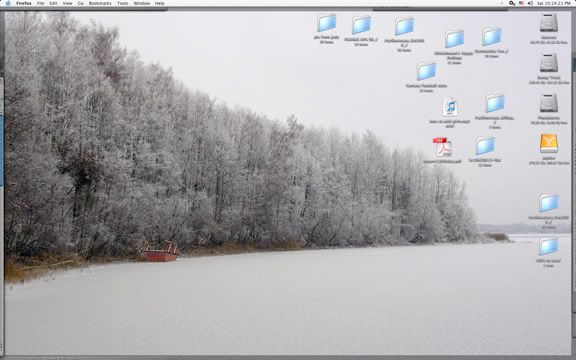
how do i ‘print screen’ on a mac?
shift-command-3
no, shift-ctrl-4

shift-ctrl-4 gives you a cursor to highlight anything on the screen, and saves is as a png
wait... ctrl... cmnd... one of them is right. But 4 is definitely right.
I USE THE “GRAB” FEATURE.

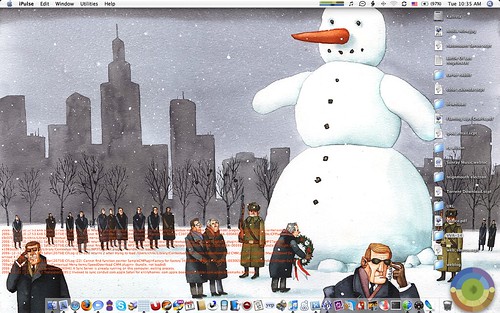
It’s usually just color-bars (makes a kickass desktop, let me tell you) but I’m hijacking my friend’s lappy for the semester so it’s this



is there a sandbox html playground?
i doesn’t work here, use img src=file, plus brackets.
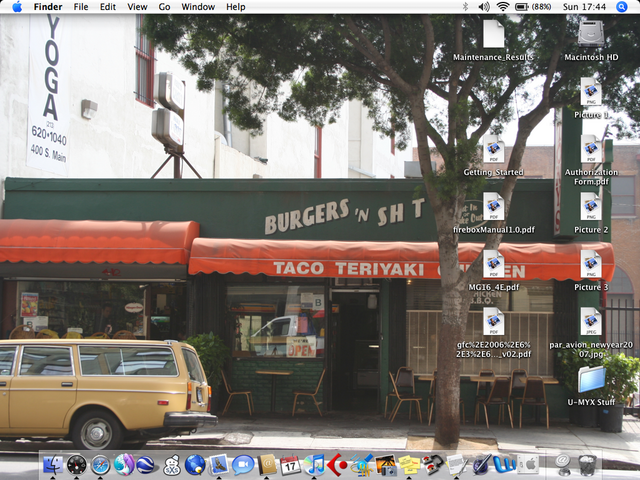

Hamsterdam!
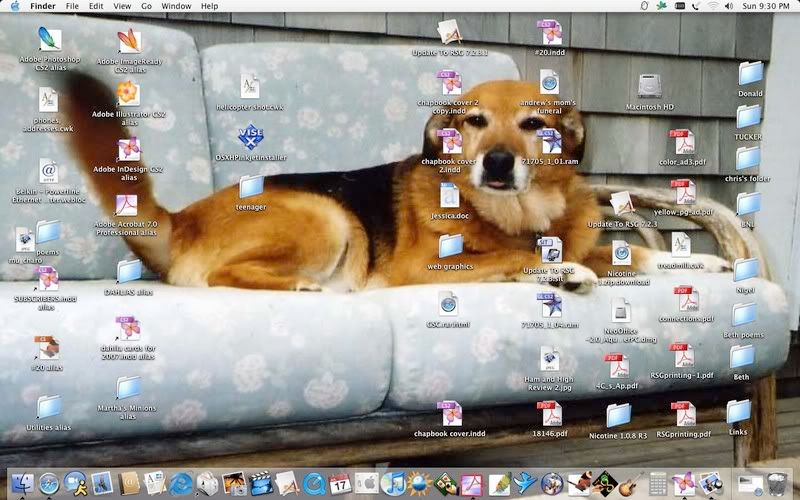

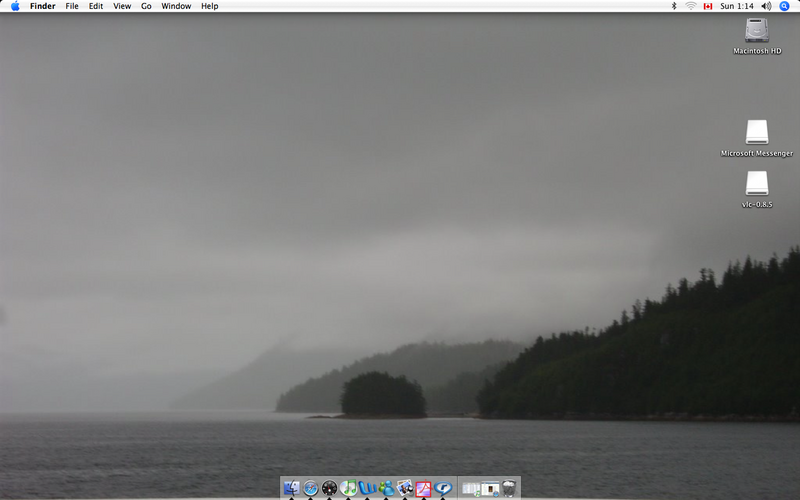
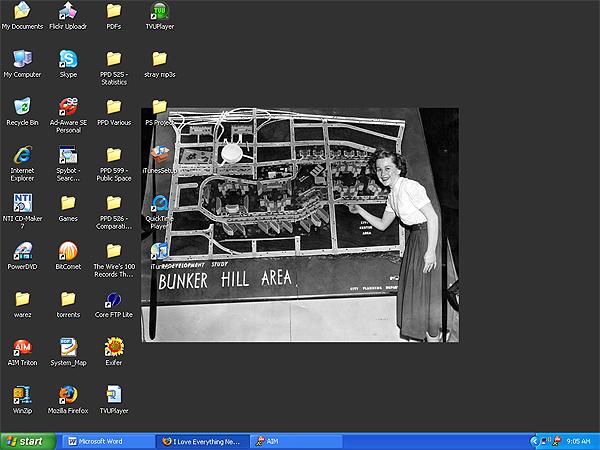
i can’t recall where i stole the photo from—it may have been from here! it’s really pretty, though.
I don’t know which is less appetising in that picture.
I guess I ‘d probably rather ‘Burgers ’n’ Shit’ than a ‘Taco Teriyaki’
“b” rating duly noted
I enjoy seeing what OSs people are using almost as much as the pictures. Is that so wrong?
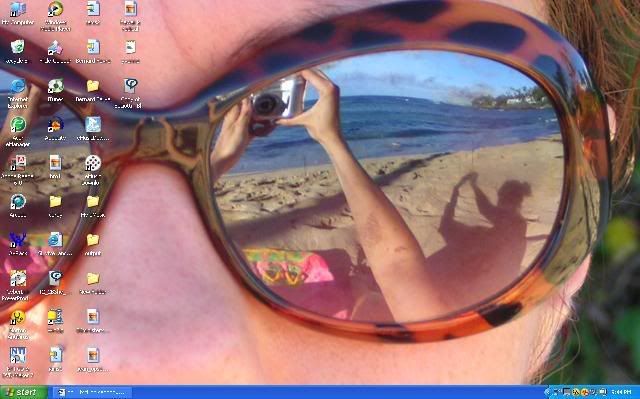
x-post
...and their desktop detritus. For example, strongo’s ‘confidence’ mp3 file—is that something to load up every morning that tells you “You’re a tiger”?
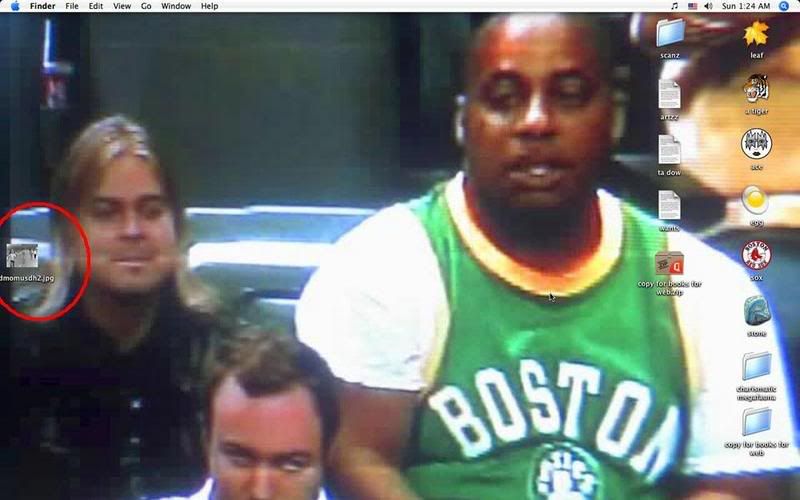
i also like how the little language flag on OSX calls our country out.
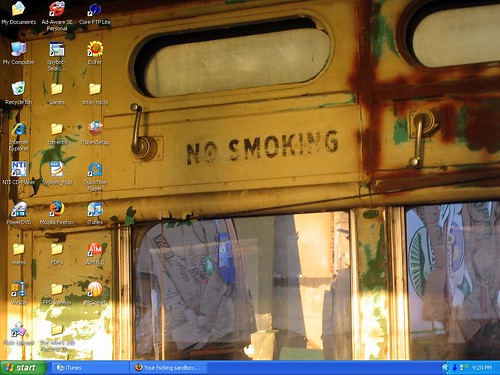
the pic is something i took on sunday — a disused streetcar on the waterfront in back of the red hook fairway: